Coaching
Coaching sessions pair a coach with an agent around concrete action items.
Sessions can stand alone, be booked automatically on a cadence, or be created
straight from a QA evaluation. Open the queue from the sidebar under
Quality → Coaching (/coaching).
The session queue
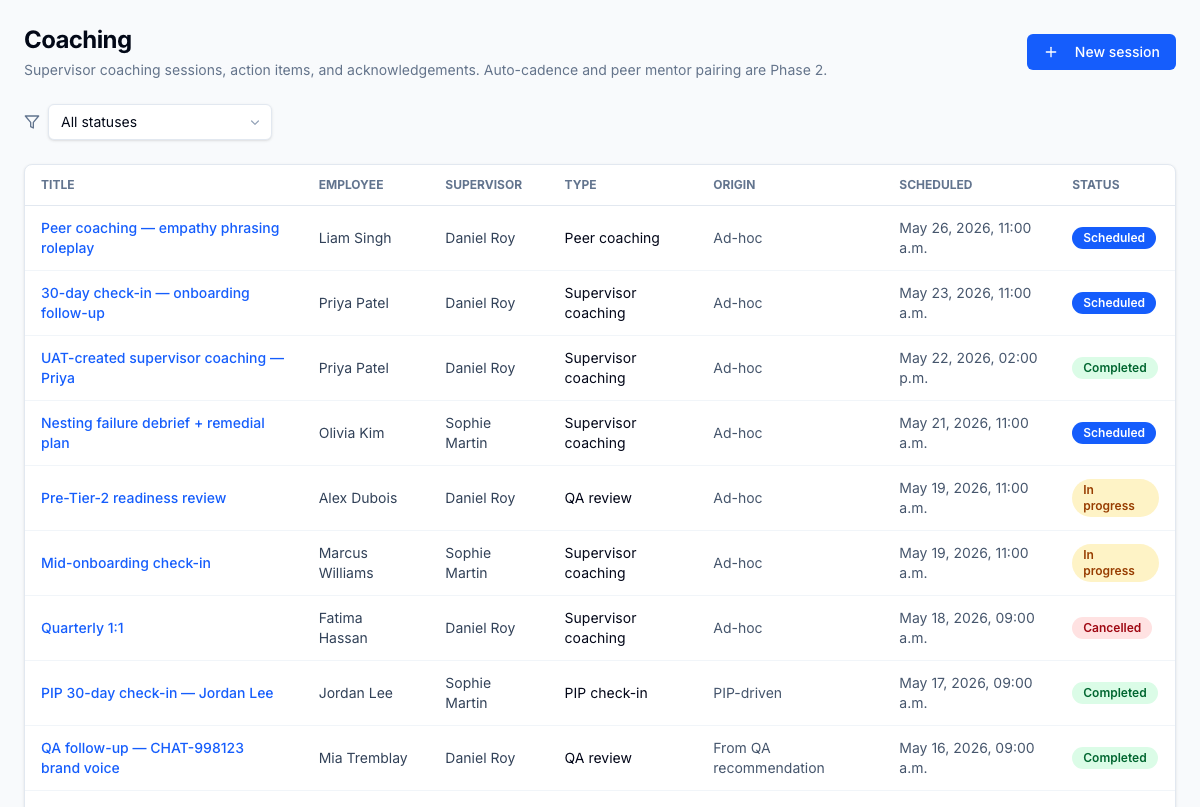
The queue lists sessions per agent, coach, and scheduled date, with an action-item count and acknowledgement state. Filter by status (scheduled, in progress, completed, cancelled, no-show).
Session detail
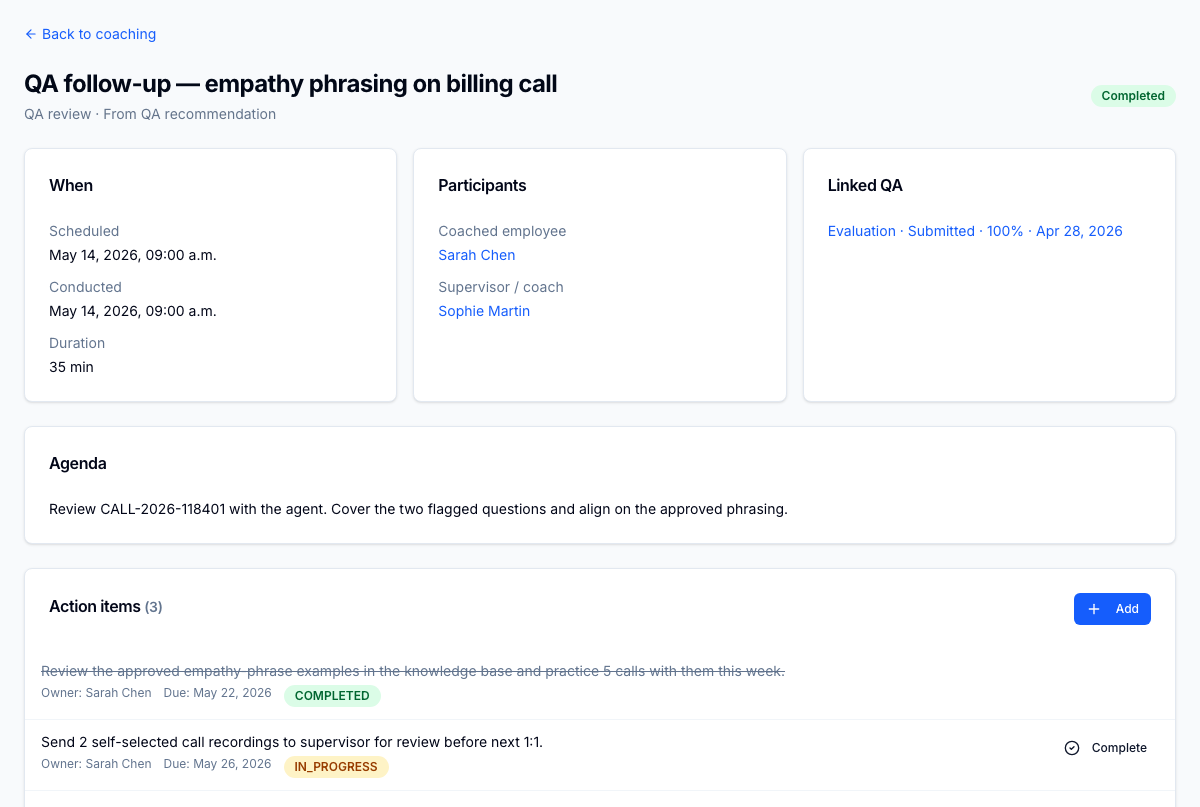
A session detail carries action items with deadlines, optional training-module attachments, and the agent's acknowledgement. The acknowledgement timestamp is the audit anchor — it records that the agent reviewed the session.
From QA to coaching
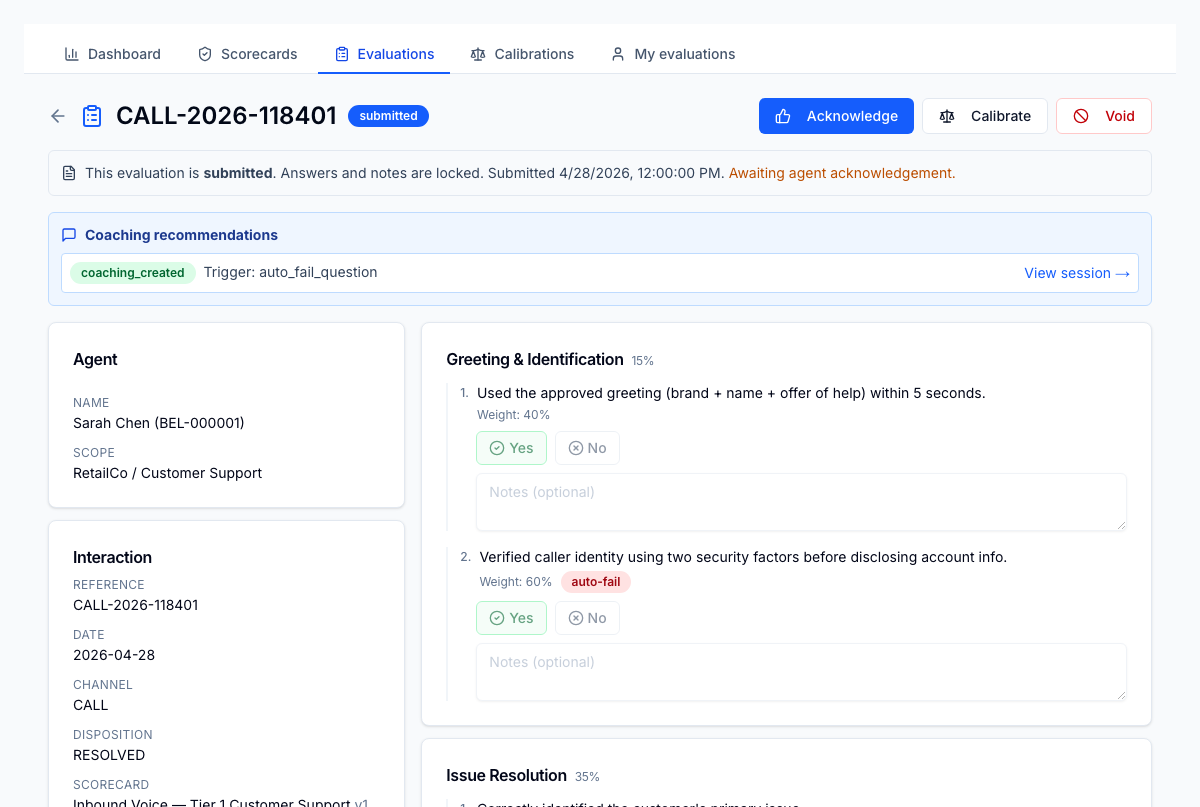
When a QA evaluator flags a gap, the recommended training module attaches as a coaching action item and the session lands in the agent's queue automatically — the loop from evaluation to development closes without re-keying.
Coaching cadence
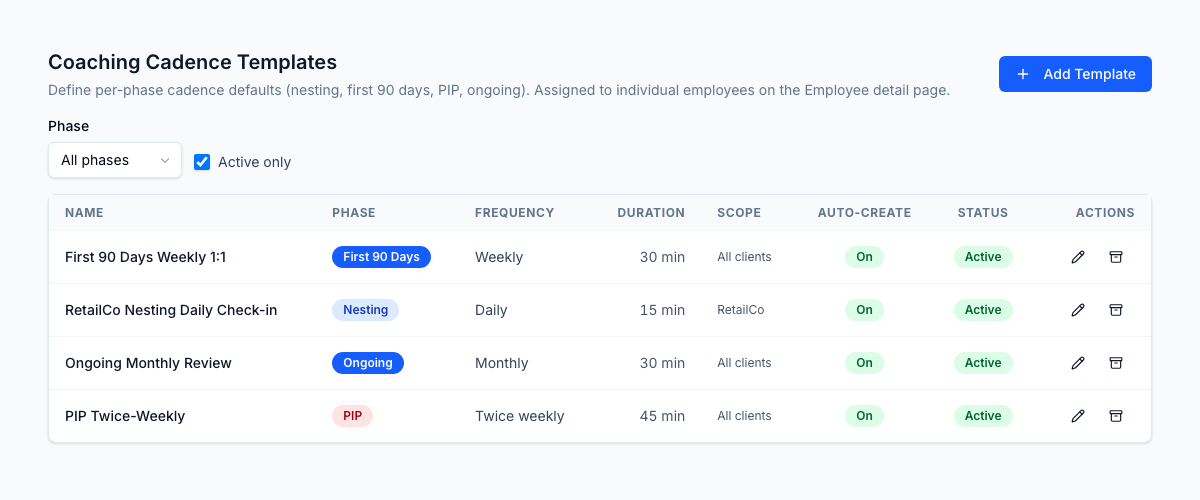
The cadence template library defines how often sessions are booked per ramp phase — daily during nesting, weekly to day 90, monthly when steady, and a tighter rule on a PIP — each scoped to all clients or a specific LOB. With auto-create on, the scheduler books the sessions for you.
Roles
| Permission | Typical role | Lets the user… |
|---|---|---|
coaching.session.read | Agent (own), supervisor (team) | See coaching sessions |
coaching.session.create / .update | Supervisor, coach | Schedule and run sessions |
coaching.session.acknowledge | Agent | Acknowledge a session |
coaching.cadence.read | Supervisor, HR | View cadence templates |
coaching.cadence.create / .update | HR admin | Define cadence rules |
What to read next
- Training — the plans and modules coaching action items reference
- Performance Hub — where PIP check-ins drive a tighter cadence