Client Portal
The Client Portal gives your end clients a read-only, scoped window into the agents working on their account — roster and activity, SLA performance, billable hours, operational reports, and the knowledge their agents use. Contacts at a client company sign in with the client role and see only their own accounts and lines of business; everything is enforced at the row level, so data never crosses a client boundary. Open it at /client-portal.
Wave 1 is read-only — clients view, they don't edit. Interactive features (staffing requests, schedule-change approvals) are planned for a later wave.
The portal home
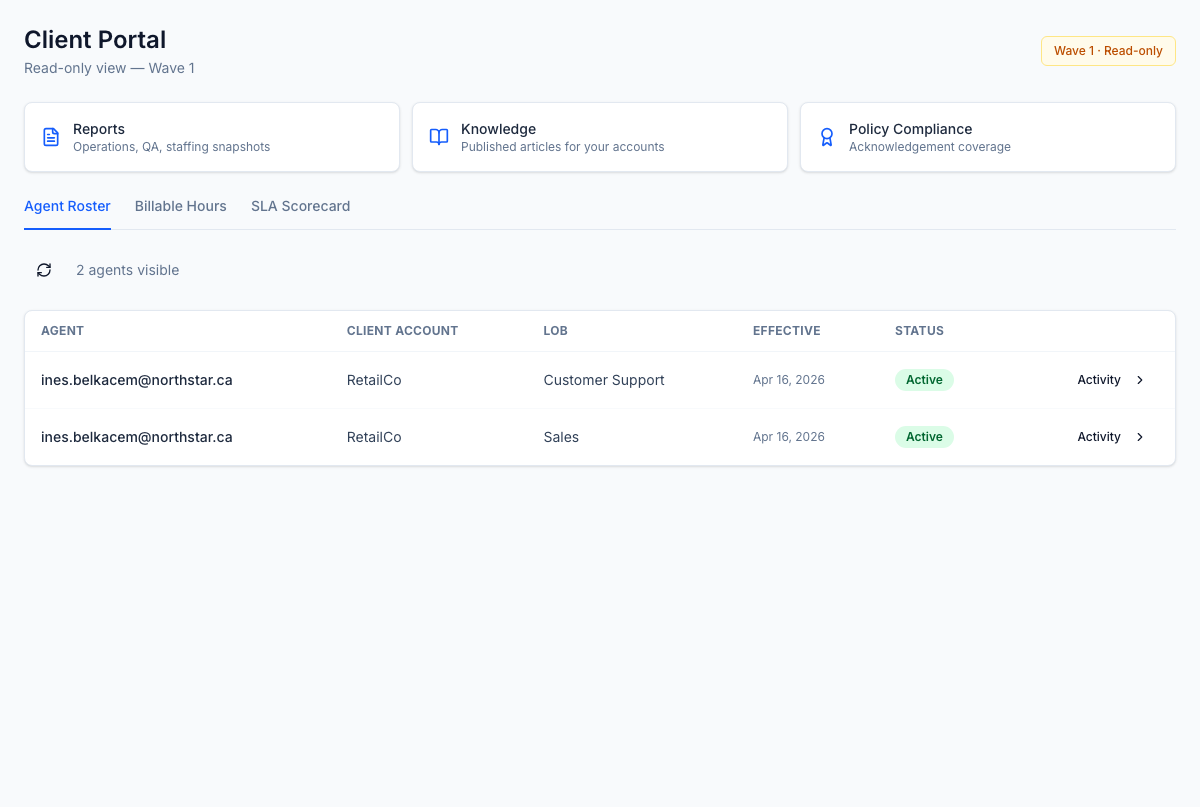
/client-portal opens to three section cards — Reports, Knowledge, and Policy Compliance — over three live tabs: Agent Roster, Billable Hours, and SLA Scorecard.
Agent roster & activity
The Agent Roster tab lists the exact agents assigned to the client's accounts — work email, client account, LOB, effective date, and status. Each row opens an Activity drawer with that agent's trailing-93-day numbers: productive hours, attendance, QA average, schedule adherence, and coaching sessions. It's the live answer to "who's on our account and how are they doing?"
SLA scorecard
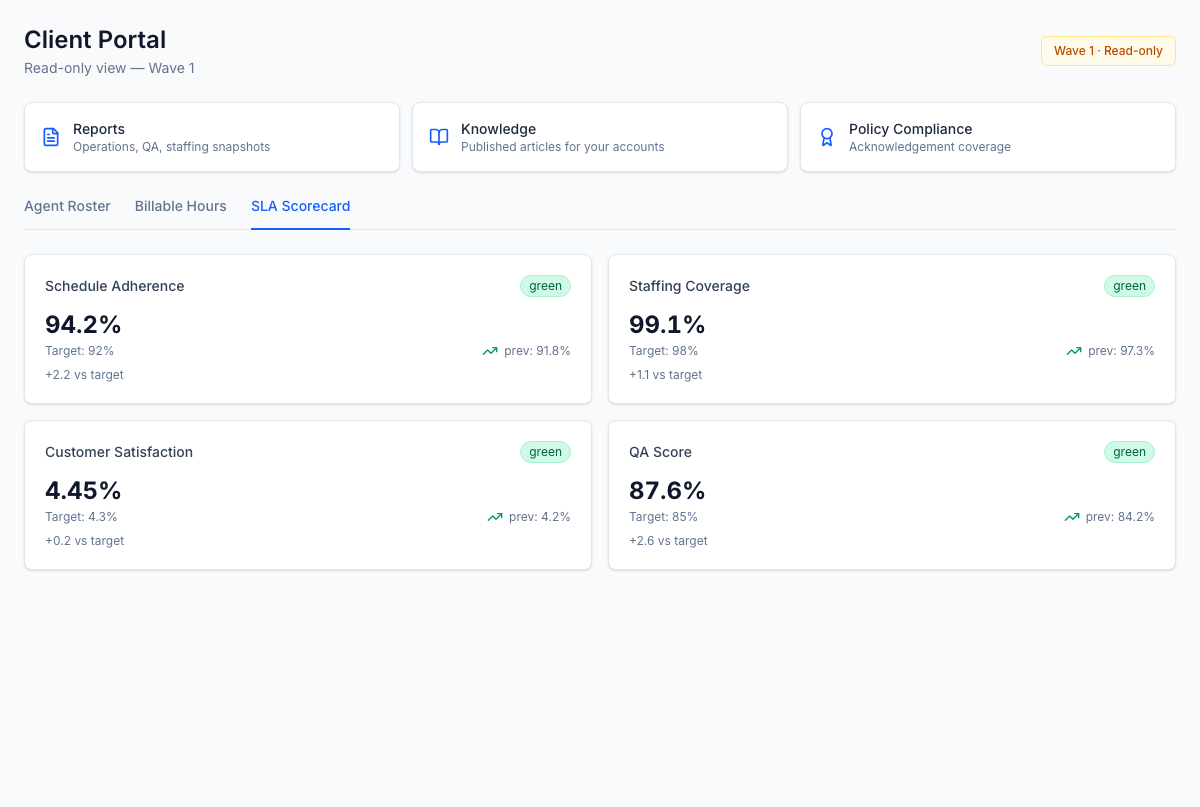
The SLA Scorecard tab shows the headline KPIs, each with its target, prior-period value, and a red/amber/green status:
- Schedule Adherence and Staffing Coverage — derived live from time & attendance and scheduling (the same source as the bill).
- Customer Satisfaction and QA Score — rolled up from CSAT and quality evaluations.
Billable hours
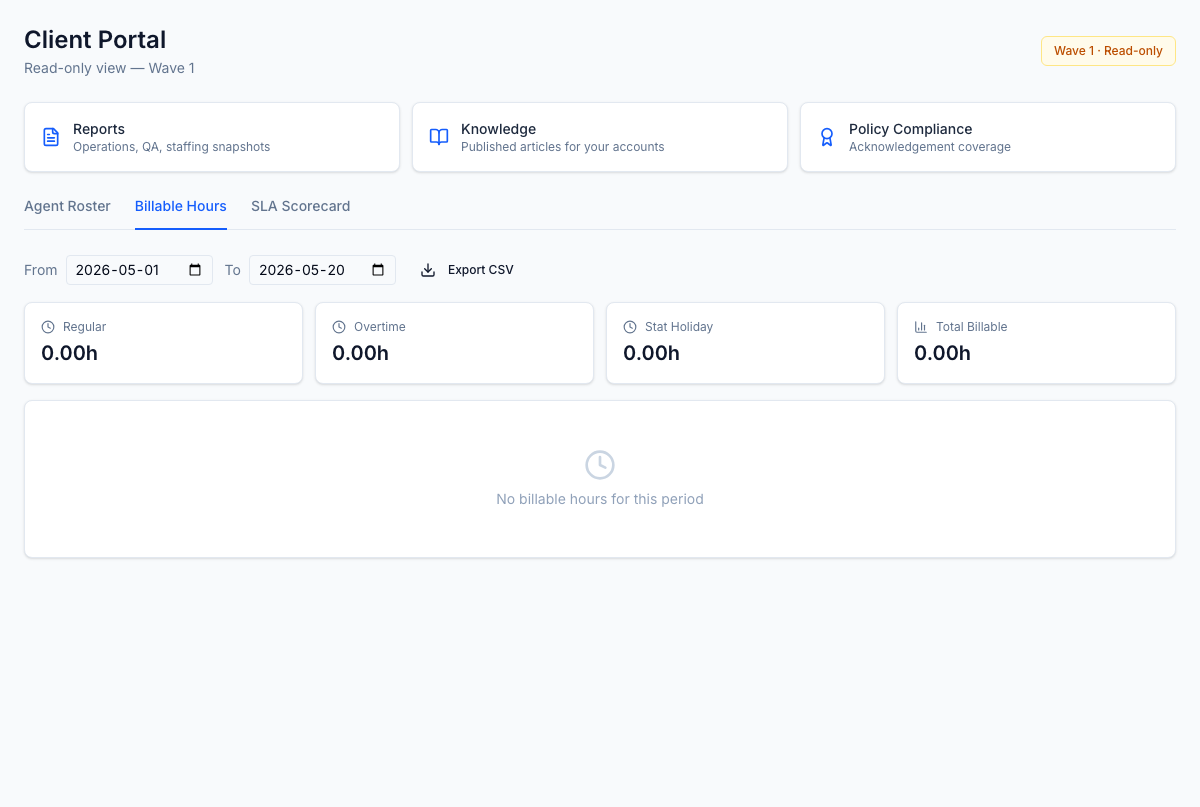
The Billable Hours tab breaks worked hours into Regular, Overtime, and Stat Holiday, with a Total Billable rollup, over a date range you pick. The numbers come from the same T&A actuals you bill from, so the client's AP team and your billing team read the same line. Export CSV is one click.
Reports
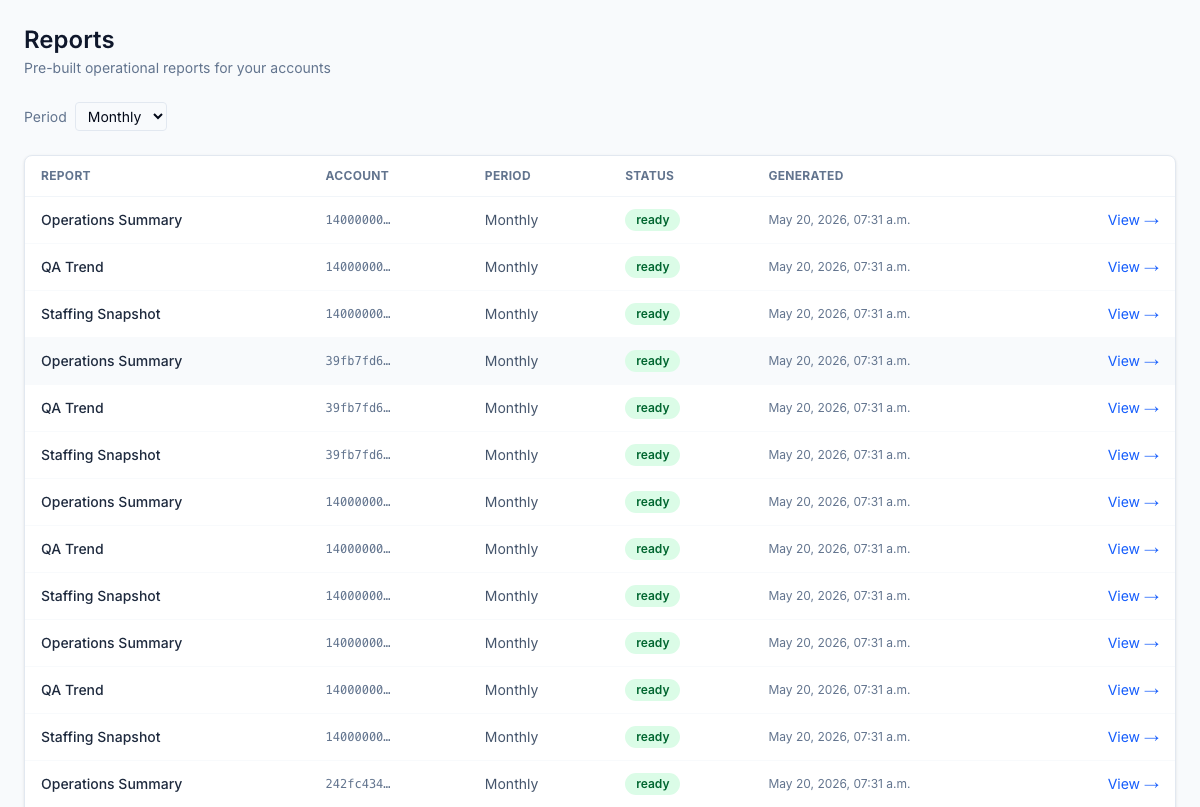
/client-portal/reports publishes three pre-built operational reports, scoped to the client's accounts and LOBs and generated per daily / weekly / monthly period:
- Operations Summary
- QA Trend
- Staffing Snapshot
Each row shows the account, period, generation status, and timestamp; View opens the detail, and reports export to PDF and CSV. This retires the weekly "can you re-send last week's report?" email.
Knowledge
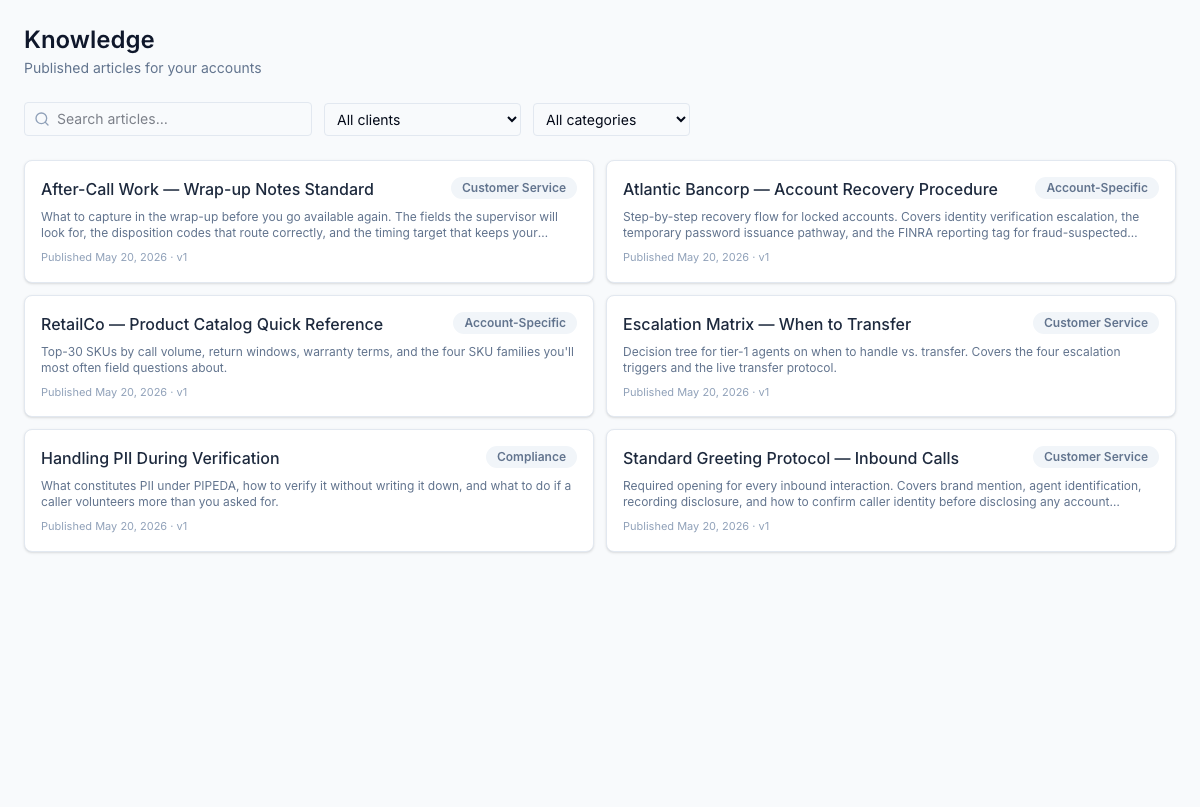
/client-portal/knowledge lets clients read the published knowledge articles their agents use — the same source, filtered to what their accounts are allowed to see. Search by keyword and filter by client or category (Customer Service, Account-Specific, Compliance). Each card shows the publish date and version.
Policy compliance
/client-portal/policy-compliance surfaces acknowledgement coverage — how completely the agents on the client's account have acknowledged the policies that apply to them. It's the at-a-glance compliance view a client asks for during an audit.
How access is set up
Client access is managed by your account team, not by engineering:
- Portal users — which client contacts can sign in, and to which accounts.
- Agent rosters — which agents appear under each client account and LOB.
Both are assigned and unassigned per account and LOB from Settings → Client accounts. Row-Level Security enforces the boundary in the database, so a mis-assignment shows the wrong data set, never another client's data.
Roles
| Permission / role | Who | Lets them… |
|---|---|---|
client role | Client-account contacts | Sign in to the portal and view roster, SLA, billable hours, reports, knowledge, and policy compliance — scoped to their accounts/LOBs only |
client_portal.* (admin) | BPO account team | Assign portal users and agent rosters per client account and LOB |
The client role is restricted to the portal — it has no access to any internal platform endpoint.
Pairs with
- Settings → Client accounts — where accounts, LOBs, portal users, and agent rosters are configured.
- Reports — the internal side of the same pre-built reports.
- Knowledge — where the articles clients read are authored and published.